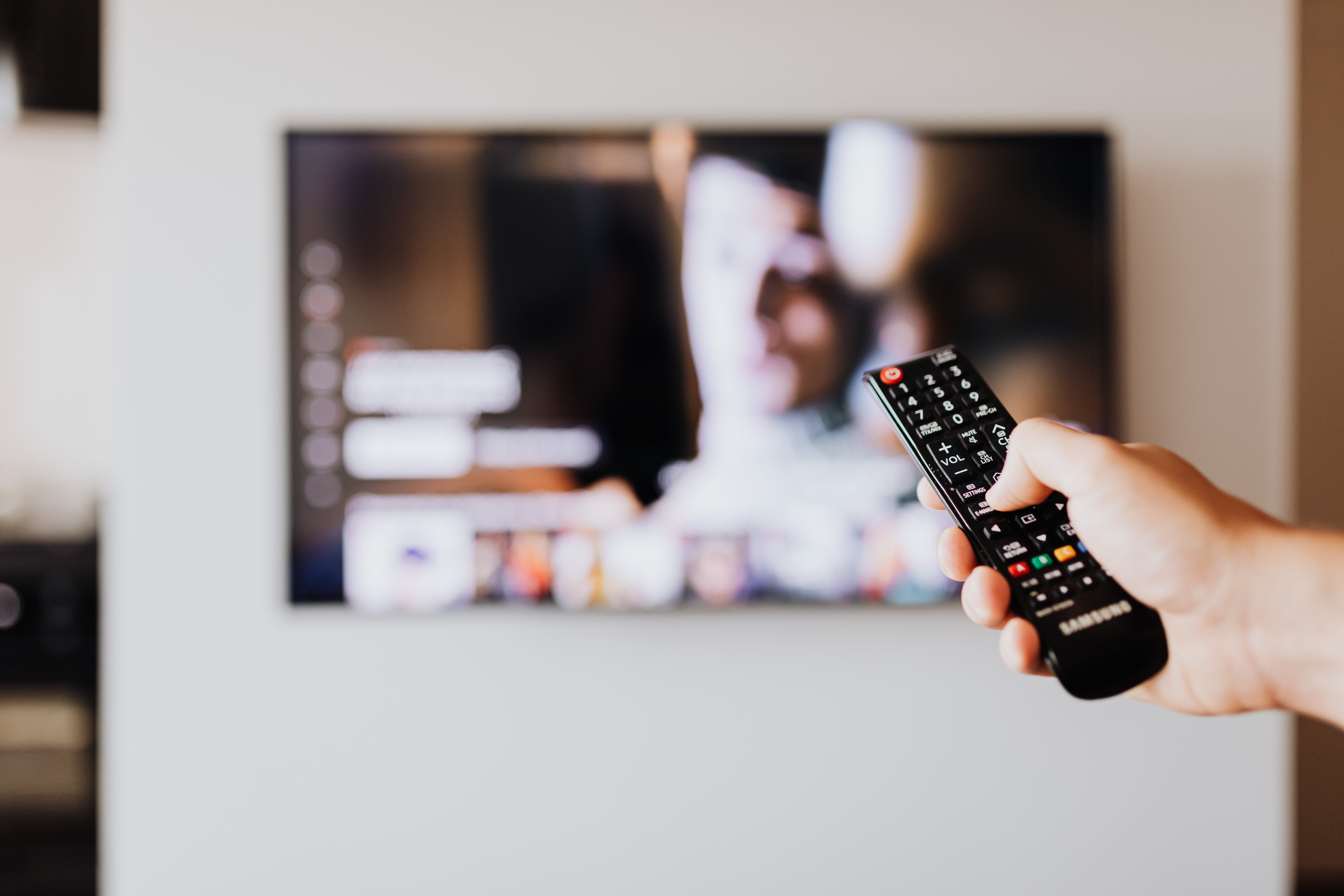
The “Not Programmed” error shows up when there is some sort of input issue with LG TV. It’s a quite common issue on LG TVs and can happen out of the blue.
As it indicates, when this error shows up, you are not able to watch your favorite content on the TV.
If you are facing the same issue, and looking to fix it, then you have found the sweet spot.
Here, we have compiled all the reasons for the “Not Programmed” error and the fixes that you can try to get rid of the issue.
Diagnosing The 'Not Programmed' Error
The “Not Programmed” error on the LG TVs is a common error that arises when the LG TV does not receive the input.
There can be numerous reasons for the loss of signals on the LG TV. It can be due to a factory reset which wipes all the channels, due to antenna or cable issues, and software glitches can also make this issue happen.
Moreover, when you are setting-up the TV for first-time usage, these issues can also arise in such a case.
Basic Troubleshooting Steps
The not-programmed error on the LG TV comes when there is some sort of problem with the LG TV input. So, there are some basic troubleshooting steps that you need to do in order to fix the basic issues that can cause this problem.
First of all, you need to check whether the cables are in good condition as if the cables are damaged, they can cause issues on the TV.
Along with the physical condition of the cables, you also need to check whether the cables are properly inserted into the TV or not. If the cables are not properly inserted, they can cause this issue.
If these simple steps do not resolve the issue, you need to move on to the next steps for a more advanced troubleshooting guide.
Guide To Re-Programming Your LG TV
When you have tried the basic troubleshooting method, and it is not working on the LG TV, it’s now time to get some advanced troubleshooting steps involved.
In advanced troubleshooting, you first need to reprogram your TV. Below, we have provided you with detailed steps for reprogramming your LG TV.
- First of all, you need to check if you have selected the right input source, as sometimes people forget to select the right input source, which shows this error.
- After selecting the right input source, you need to do the “Auto-Tuning”.
- Open the “Menu” on your LG TV, and then open the “Settings”.
- Afterward, you need to go to “All Settings”.
- Select “Programmes” from the given options.
- Go to “Programmes & Tuning”.
- Finally, select the “Auto Tuning>Antenna” and now your TV will start scanning for the available channels.
Antenna And Cable Connection Checks
Checking the antenna, and the cable connections is another important step in diagnosing the “Not Programmed” issue, as the cable connection, and the antenna can be the reason behind the lost signals on the LG TV.
Below, we have provided you with all the steps for fixing the antenna and cables on the LG TV.
- In the very first step, you need to check whether the cable connection is properly inserted into the TV, and the antenna wall socket or not, as mostly loose connection causes this issue on LG TV.
- Even if the connections are secured, a damaged cable can also cause this issue. So, you also need to check out the cable for any sort of physical damage, in case there is any sort of physical damage on the cable, you need to replace it.
Software And Firmware Considerations
Software bugs on the TVs can also cause this issue. The best way of getting rid of the “Not Programmed” issue in such a case is to update the firmware to the latest version.
So, first of all, you need to check whether there is an update available for your firmware or not. In case, there is an update available, you need to get the latest version.
Here are the Steps for Updating Firmware to the Latest Version:
- Open the “Menu” on your LG TV by using the remote.
- Afterwards, you need to open the “Settings”.
- Choose the “All Settings” option.
- Select the “Software Update”.
- Select the “Check for Updates” option.
- If an update is available, you need to download and install it.
- Now, the firmware will automatically install on the LG TV.
Resetting Your LG TV
Sometimes, there can be software issues with your LG TV, which can cause the “not programmed” issue.
If none of the above-provided solutions work for you, then you can do the hard reset on your LG TV to get the issue fixed.
Before you perform the hard reset on your LG TV, you need to keep in mind that all of your settings, and the data on the TV would be removed.
Here are the Steps for Resetting the LG TV:
- First of all, open the “Menu” on your LG TV.
- Then go to the “Settings”.
- Open the “All Settings”.
- Select the “Support”.
- Select “Reset to Initial Settings”.
- Now, your TV will be reset to the factory settings.